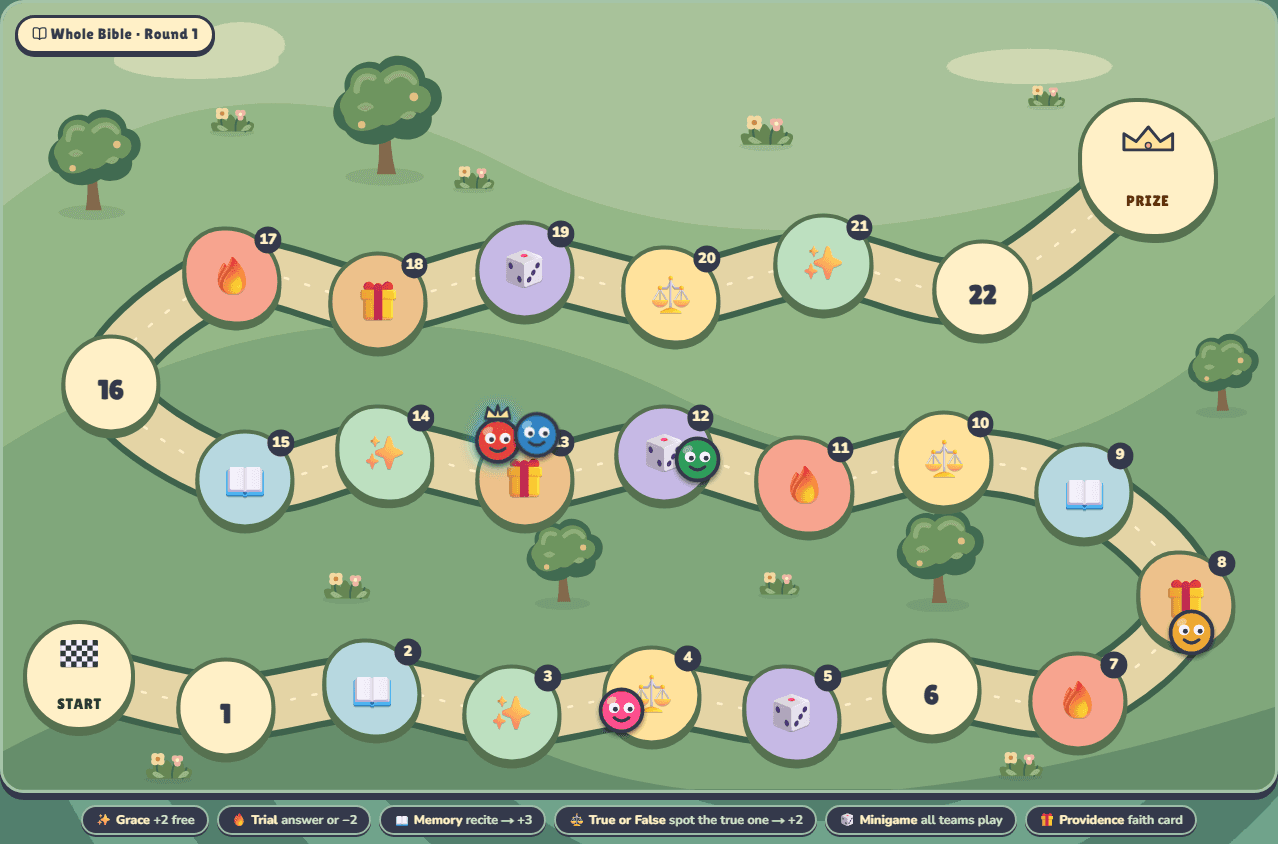
Board Race
For surprises, strategy and cheering on the comeback.
- Open Board Race and choose Set up to name your teams.
- Keep the ready-to-play defaults, or use the options available on your plan.
- Choose Start the race when the room is ready.
Your first night, made simple
You bring the people and call the answers.
Bible Party brings the questions, the scores and the big-screen fun.
Getting to know each other
Edit the ready-made prompts, open a room, and share its QR code. Everyone joins with a name and receives nine prompts when you start.
Players meet someone for each prompt and take a selfie together, finding different people where possible. Every player needs a camera phone, browser storage, and internet. Photos stay in that browser; names and progress appear on the shared screen. Keep your host tab open while everyone mingles, then end the game when your fellowship is ready.
Clearing browser data can erase the selfies. Players can delete their local photos after the game. Camera access requires the secure hosted site or localhost for testing.
Open Human BingoBring these. You’re set.
A modern browser, with the game open.
A second screen everyone can see.
Bibles for verse games. Internet for phone play.
Set the mood
Both games are free to start. Choose the energy that fits your group.
For surprises, strategy and cheering on the comeback.
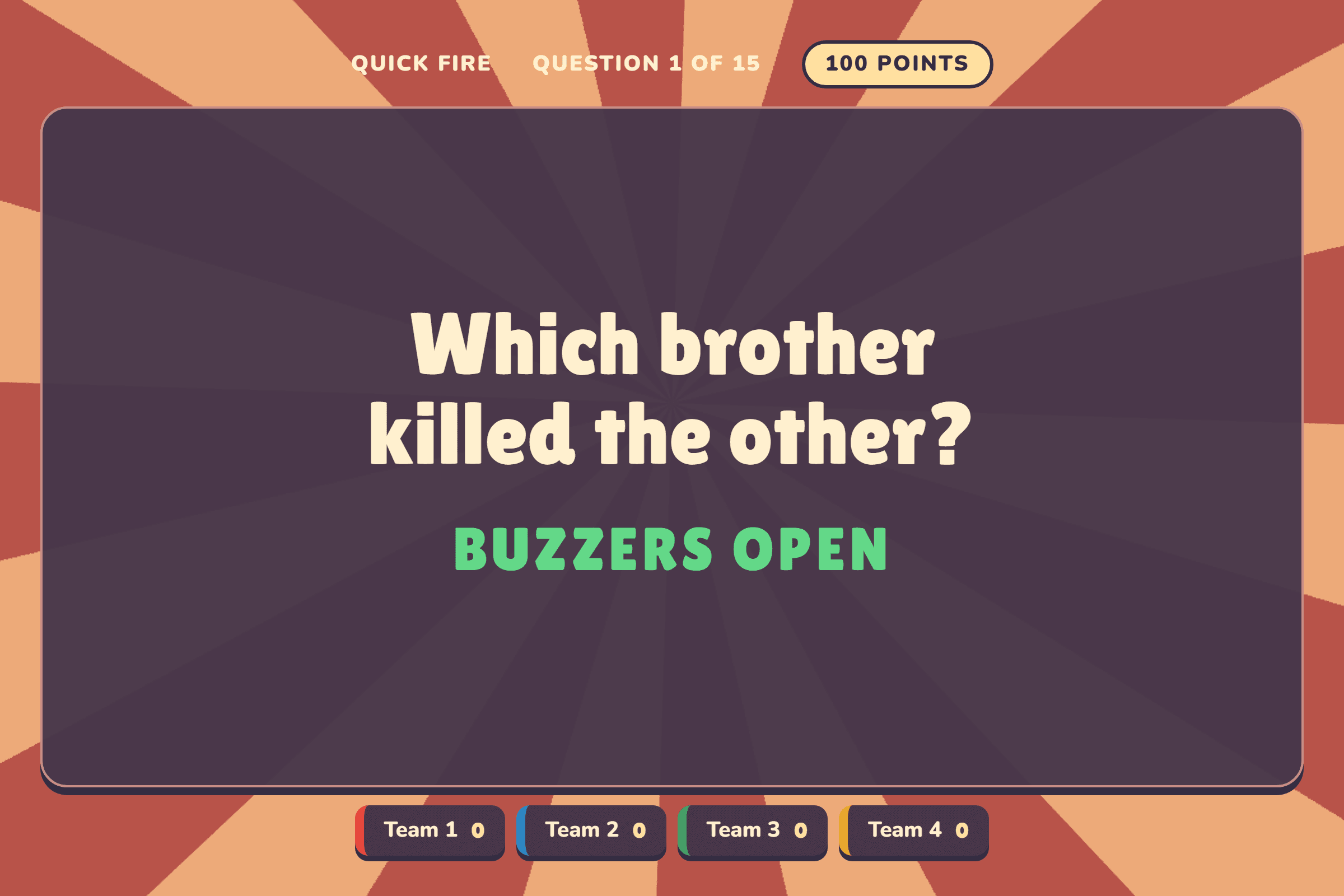
For quick thinkers and a game-show showdown.
Buzzer Battle uses your saved Board Race setup. Visit Board Race, choose Set up and make your changes first. Then open Buzzer Battle. If a previous match is saved, choose New match to load the updated roster.
Give everyone a front-row seat
Connect your laptop to the TV or projector and use Extend display. In the game, select Present and move that new window onto the shared screen.
Host controls & answers stay with you.
Let the room take it from here
You judge the answer. The game takes care of what happens next.
Read the question aloud. The host can see the answer before revealing it to the room.
Mark Correct or Wrong. The game applies the movement, rewards and penalties.
A minigame space changes the pace. Run the challenge, choose the places and reveal the results.
Buzzers stay locked until you select Open buzzers, so every team can hear the full question.
They answer aloud. Mark Correct or Wrong; a wrong answer gives the other teams a chance to rebound.
Points rise over three rounds. A tie for first goes to sudden death.
Before everyone arrives
Run through these on the laptop and screen you’ll use on the night.
Use Undo to take back a recent host action, including its score or movement.
Let teams answer aloud. In Buzzer Battle, use Claim for the team that should answer.
Plus adds more teams, custom questions, themes and Board Race rule settings. See what Plus adds.
Open a game and try the host controls before your group arrives.
Choose a free game No credit card. No subscription needed to start.